How to Caption Inspection Photos, With Examples
"Wall damage." That caption made sense to the person who wrote it. They were standing in front of the wall.
Six weeks later, your client opens the report at their desk. Which wall? What kind of damage? How big? Is it getting worse, or is this just where it stands today? They call you, and now you're trying to remember too.
A good caption answers those questions before anyone has to ask. It takes about ten seconds to write, and you don't need to be a writer to do it well. You need a formula and a few rules.
How do you write a good inspection photo caption?
A good inspection photo caption says where the photo was taken, what it shows, and the condition you observed, in one line a stranger can understand. For example: "North wall, second floor: vertical crack at window corner, about 1/8 inch wide." Leave causes and blame for your written findings.
The caption formula: where, what, condition
Write captions in the same order every time:
Location: item and condition, plus a measurement if you have one.
| Part | What it answers | Example |
|---|---|---|
| Location | Where would I stand to see this? | North wall, second floor |
| Item | What am I looking at? | Window corner |
| Condition | What did you observe? | Vertical crack |
| Measurement | How big, how many, how much? | About 1/8 inch wide |
Put the location first. When a reader scans a page of photos, the opening words of each caption work like an index. It also forces you to think about location while you can still check it.
Your GPS coordinates don't replace this. They tell the reader roughly where the phone was, and phones are typically accurate to within about 16 feet under open sky. They can't tell a reader which room, which floor, or which side of a beam.
Before and after caption examples
Here's the formula applied across trades. Each of these fits within 150 characters.
| Trade | Before | After |
|---|---|---|
| Home inspection | Water stain | Primary bedroom ceiling, NE corner: brown stain about 8 in. across, dry to the touch at time of inspection. |
| Home inspection | Panel | Basement panel, east wall: double-tapped breaker at position 14. Cover removed for photo. |
| Roofing | Missing shingles | South slope near ridge: 3 shingles missing, underlayment exposed. |
| Roofing | Flashing | Chimney base, west side: step flashing separated about 2 in. from masonry. |
| Construction | Rebar | Footing at grid C-4: rebar in place before pour. Tape shows 12 in. spacing. |
| Construction | Progress | Level 2, east corridor: framing complete since last visit. Rough-in not started. |
| Environmental | Stained soil | East of tank AST-2: dark staining on gravel, about 6 ft by 3 ft. Sample location S-4. |
| Utilities | Pole | Pole 1147, Elm St: crossarm split at north brace, viewed from ground. |
| Property management | Carpet | Unit 204 living room: burn mark in carpet about 2 in. across, near balcony door. Move-out inspection. |
None of these are clever. Each one tells the reader where to look and what they'll see.
Write what you saw, not what you assume
This is the rule that matters most when a report gets challenged. A caption should hold up even if the cause turns out to be something else.
| Says too much | Says what you saw |
|---|---|
| Roof leak caused by bad flashing | Ceiling stain below chimney. Flashing separated at base. Cause not confirmed. |
| Contractor installed this wrong | Beam hanger at grid B-2 differs from detail 4/S3. |
| Serious foundation failure | Southeast corner: stepped crack in block, about 4 ft long, 1/4 in. wide at top. |
| Tenant destroyed the door | Unit 12 bedroom door: hole about 6 in. across at handle height. |
The right column gives the reader more to work with, and it doesn't commit you to a conclusion you haven't reached. If your scope includes findings about cause or responsibility, put them in the written part of the report, where you have room to explain your reasoning.
Words to watch for in captions:
- Blame words: negligent, careless, wrong, improper, unless your role requires that judgment
- Vague severity words: bad, serious, minor, without a measurement beside them
- Absolute words: always, never, all, unless you checked all of them
- Guesses stated as facts: caused by, due to, from. Try "appears to" only if you can explain why.
Seven rules for clearer captions
- Use compass directions or fixed references. "North wall" stays true. "Left side" depends on where the reader imagines you standing.
- Use the names on the plans. Grid lines, room numbers, unit numbers, and pole numbers let readers match a photo to a drawing.
- Measure when you can. "About 1/8 inch" beats "small." Say "about" when you estimated. If a tape or scale is in the frame, say so.
- Write for the reader. A property owner may not know what "WRB" means. Spell out shorthand, or write it for the person who'll actually read the report.
- Keep one format across the report. A consistent pattern helps readers scan, and it helps you write faster.
- Say what you did. "Cover removed for photo" or "viewed from ground" tells the reader the limits of what you could see.
- Caption what's fine, too. "South slope: no missing or lifted shingles observed" records that you looked. Silence doesn't.
What to leave out of a caption
Space under a photo is limited, so skip anything the report already carries.
- Date and time. The EXIF metadata records these, and a good report prints them with the photo. Add them only if your report doesn't.
- GPS coordinates. Same reason.
- Names of people, unless the record requires it. Use roles or trades instead.
- "See above" or "same as last." Photos get reordered, copied, and pulled out of reports. Each caption should stand alone.
- Private shorthand. "Same issue as the Hendricks job" won't help anyone but you.
How long should a photo caption be?
Aim for one line, or two at most. Most good captions run between 8 and 20 words, which comes to well under 150 characters.
Short captions are easier to scan, and they force you to choose the fact that matters. Vortyk limits captions to 150 characters, and that's a useful limit even if you use something else. Need to say more? That's a sign the point belongs in the written findings, with the caption pointing to it.
How to caption hundreds of photos without losing your evening
Captioning gets painful when it all happens at once, from memory, long after the visit. Change when you do it.
Say it in the field. Record a short voice memo as you shoot, or dictate a note with the photo number. Your wording will be fresher, and you can clean it up later.
Photograph your own labels. Shoot the pole tag, the unit number, or the room sign first. That photo reminds you where the next few were taken.
Caption by area. Work through one room or one elevation at a time. Nearby photos share a location, so most of the sentence is already written.
Start with what matters. Defects, deviations, and key findings first. If you run short of time, the general views can carry a simpler caption.
Reuse your wording. Keep a short list of phrases you use often, like "no visible damage observed" or "viewed from ground." Consistent wording reads better and types faster.
Finish within a day. The longer you wait, the more you're writing from guesswork. Construction teams can do the important ones before they leave the site.
A 10-second test for every caption
Before you move on, read the caption and ask:
- Could a stranger find this spot from the caption alone?
- Can they tell what you're pointing out?
- Is the size or count there, if it matters?
- Is every word something you saw or measured?
- Would it still make sense if this photo were pulled out of the report?
If the answer to any of those is no, fix that part. It takes seconds now, and it's much harder once the details have faded.
Where captions go in your workflow
Your captions should stay attached to the photo all the way to the client. In a manual report, that usually means retyping them into a document, which is where mistakes creep in.
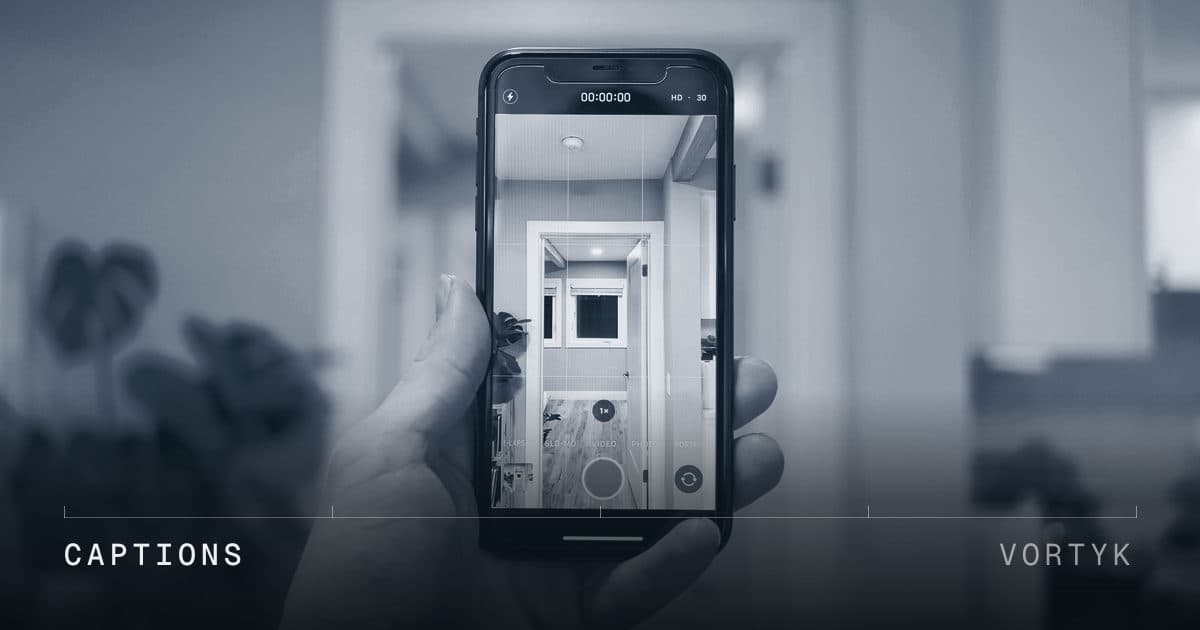
In Vortyk, you write the caption on the photo itself, up to 150 characters. On iPhone, you can also write it in the field: swipe up on the photo in the Photos app, type your caption, and Vortyk imports it when you upload. It then appears in the gallery, in the PDF photo log, and on the client's share link, so you only write it once. Photos without captions get flagged, so you can catch any you missed before you generate the report.
The report prints each caption with the photo's GPS coordinates and capture time, so your caption can focus on what only you know: what you were looking at, and what you saw. Join the waitlist for early access, or read the photo captions guide to see how it works.
Related reading
- How to Create a Professional Photo Log Report covers everything else that belongs in the report, and includes a free template.
- How to Check a Photo's GPS and Timestamp Data explains the data your captions sit alongside.
- Construction Site Visit Photo Checklist covers what to photograph in the first place.
- Photo documentation for home inspectors and for roof inspections show how this fits each trade.
- Field Documentation Glossary defines terms like photo log report and defensible documentation.
Still wasting hours on field reports?
Vortyk launches in early 2027. Join the waitlist and be first in line when trials open.
Join the Waitlist