Field Photos to Client-Ready Reports in Minutes
Capture GPS-tagged photos, organize site documentation, and generate professional photo logs without the manual work.
The problem
Field documentation is broken
- 01
Photos lose their context
Hundreds of IMG files across camera rolls, texts, and shared drives, with nothing saying which site or visit they belong to.
- 02
Reports are rebuilt by hand
Every photo log means pasting images into a document, typing addresses, and reformatting for the next client.
- 03
Clients chase you for updates
“Can you send the photos from Tuesday?” arrives every week, because they have no way to look for themselves.
There is a better way. See how it works
CAPTURE → ORGANIZE → REPORT → SHARE
From capture to client-ready in minutes
Capture Photos in the Field
Just use your iPhone camera. Vortyk automatically pulls GPS coordinates, timestamps, and EXIF metadata from every photo. No manual data entry, no extra equipment.
Organize by Project and Survey
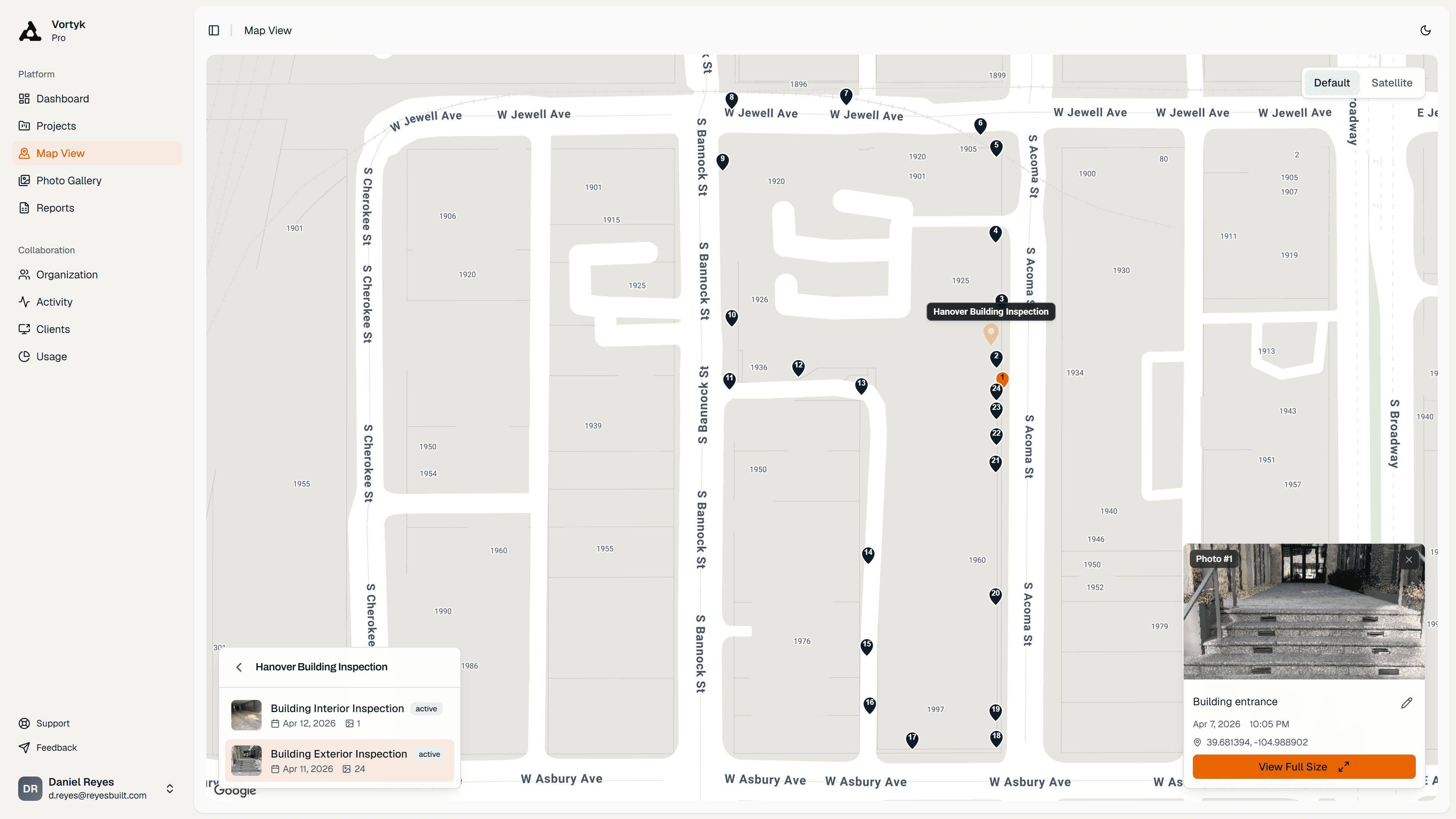
Photos instantly organize by project and survey. Every image is pinned to an interactive map. Add markups, arrows, and annotations as needed.
Generate Reports in One Click
Turn hundreds of field photos into a professional PDF report with GPS data, timestamps, and your company branding. A 50-photo report builds in under 2 minutes.
Share with Your Client
Send your client a password-protected link that expires when you want it to. They can view photos, download reports, and track progress. No app install on their end.
Every tool in the workflow, in detail.
GPS · MARKUP · PDF · SHARE
What You Get
The full workflow, built around how field teams actually work.
Geotagged Photos & Maps
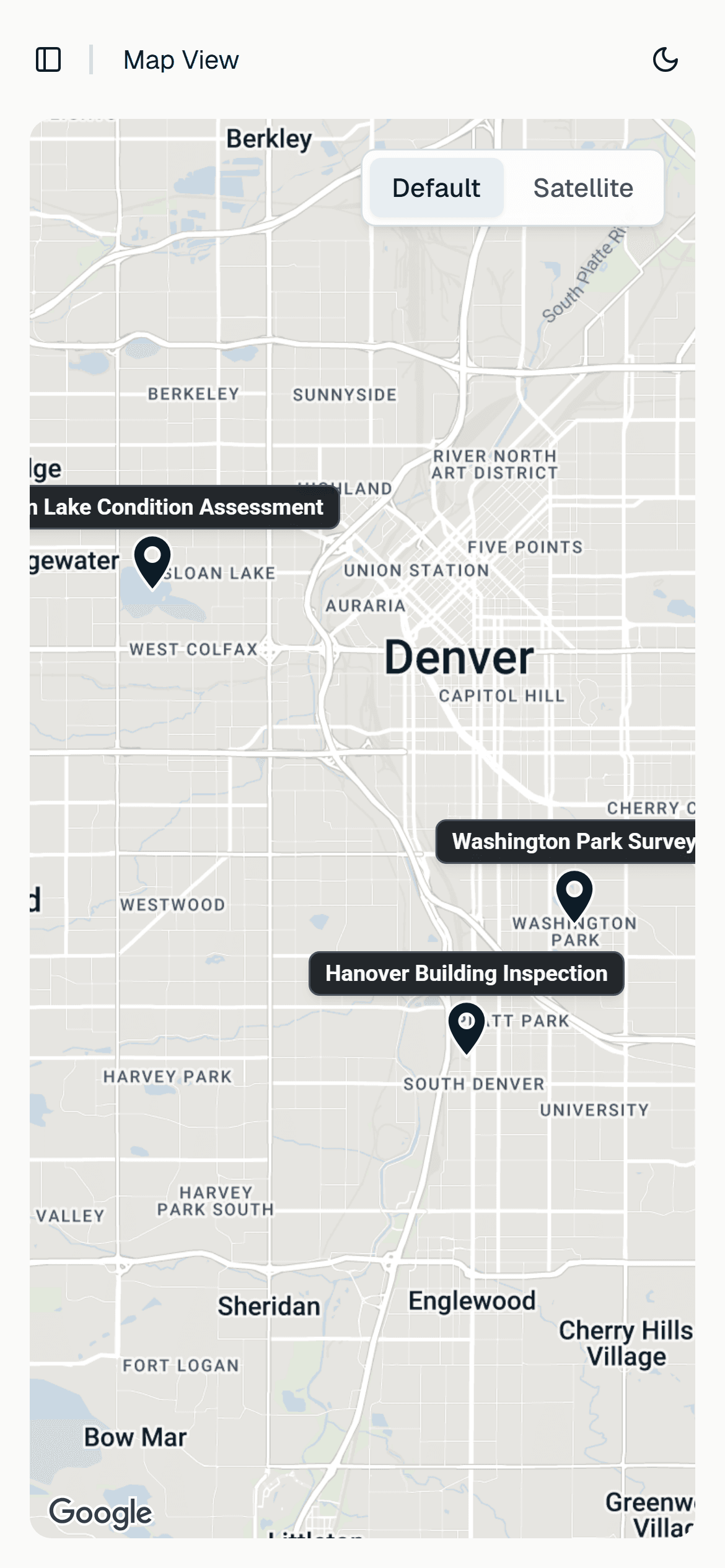
Every photo is pinned to an interactive map with precise GPS coordinates. See your entire project at a glance.
Photo Markup Tools
Annotate photos with arrows, rectangles, circles, and text. 5 colors, full undo history, and markups carry into your reports.
One-Click Report Builder
Generate a professional PDF photo log with GPS data, timestamps, captions, and your company branding. A 50-photo report builds in under 2 minutes, and you can keep working while it does.
Secure Client Sharing
Share projects with a password-protected link that expires when you say so. Clients can view photos, browse maps, and download reports without installing anything.
Team Management
EnterpriseSet up your organization, assign roles, and share projects across your team. Everyone works from the same dashboard.
Scalable Storage
Start with 30 GB. Add 50 GB to 2 TB as you need it. A usage dashboard tracks what's left.
$49/MO · NO USER MINIMUMS
One price. No surprises.
Starting at $49/mo. No per-user minimums on Pro.
Pro
Everything a solo inspector or small team needs to capture, organize, and share field photos.
- Unlimited projects and surveys
- Advanced report builder
- Photo markups and GPS metadata
- Client sharing with password protection
- 30 GB storage included
- Extra storage up to 2 TB
Enterprise
Built for organizations that need shared projects, team controls, and branded deliverables.
- Everything in Pro
- Organization and team management
- SSO with corporate identity provider
- White-label reports
- 50 GB storage per user
- Priority email and phone support
Launching soon · 14-day free trial at launch
The camera roll keeps the photo but loses the job around it: which site, which visit, what it shows. Vortyk files every photo into a project and survey as it uploads, keeps its GPS coordinates, time, and camera bearing, and adds your caption, so months later you find it on a map instead of scrolling.
How photo management worksWhat are you waiting for?
Still wasting hours on field reports?
Get your first report in 5 minutes.
Launching soon · 14-day free trial at launch